
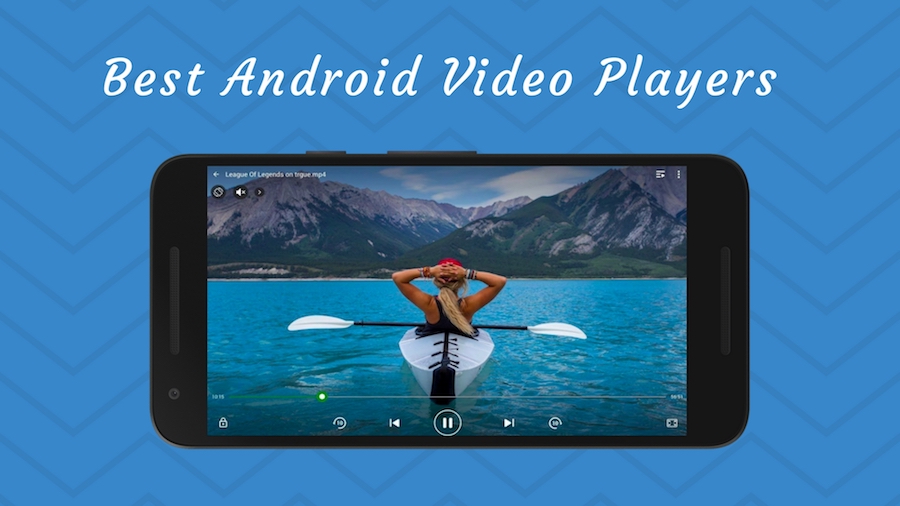
By the help of MediaController and VideoView classes, we can play the video files in android.
MediaController class
The android.widget.MediaController is a view that contains media controls like play/pause, previous, next, fast-forward, rewind etc.
VideoView class
The android.widget.VideoView class provides methods to play and control the video player. The commonly used methods of VideoView class are as follows:
| Method | Description |
|---|---|
| public void setMediaController(MediaController controller) | sets the media controller to the video view. |
| public void setVideoURI (Uri uri) | sets the URI of the video file. |
| public void start() | starts the video view. |
| public void stopPlayback() | stops the playback. |
| public void pause() | pauses the playback. |
| public void suspend() | suspends the playback. |
| public void resume() | resumes the playback. |
| public void seekTo(int millis) | seeks to specified time in miliseconds. |
activity_main.xml
Drag the VideoView from the pallete, now the activity_main.xml file will like this:
File: activity_main.xml
Activity class
Let’s write the code of to play the video file. Here, we are going to play 1.mp4 file located inside the sdcard/media directory.
File: MainActivity.java
package com.example.video1;

import android.net.Uri;
import android.os.Bundle;
import android.app.Activity;
import android.view.Menu;
import android.widget.MediaController;
import android.widget.VideoView;

public class MainActivity extends Activity {

    @Override
    protected void onCreate(Bundle savedInstanceState) {
        super.onCreate(savedInstanceState);
        setContentView(R.layout.activity_main);

        VideoView videoView =(VideoView)findViewById(R.id.videoView1);

                //Creating MediaController
        MediaController mediaController= new MediaController(this);
            mediaController.setAnchorView(videoView);

              //specify the location of media file
           Uri uri=Uri.parse(Environment.getExternalStorageDirectory().getPath()+"/media/1.mp4");

              //Setting MediaController and URI, then starting the videoView
           videoView.setMediaController(mediaController);
           videoView.setVideoURI(uri);
           videoView.requestFocus();
           videoView.start();

    }

    @Override
    public boolean onCreateOptionsMenu(Menu menu) {
        // Inflate the menu; this adds items to the action bar if it is present.
        getMenuInflater().inflate(R.menu.activity_main, menu);
        return true;
    }

}


Leave A Comment